
12 min read · IME companies
Getting started with Assessco EPC
1
Create your workspace
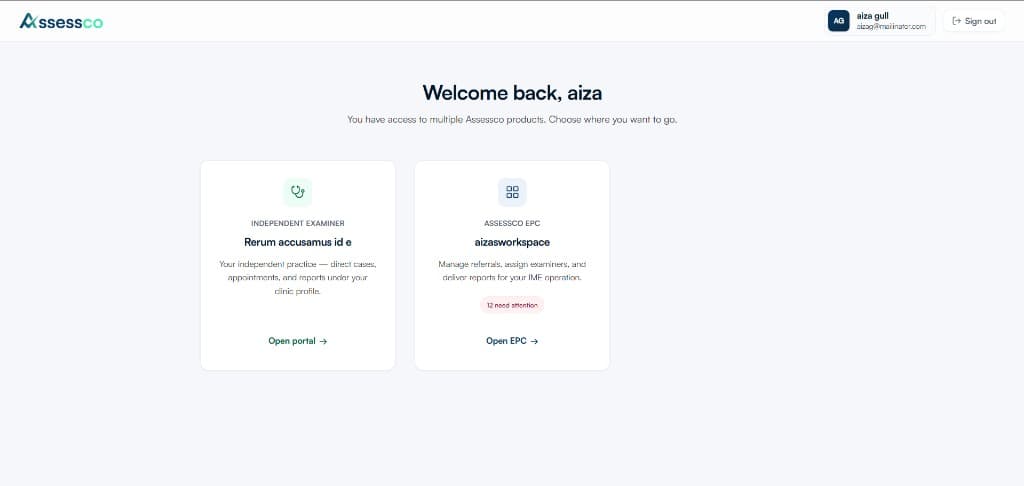
Register as an IME company admin. Name your workspace and configure your primary province and specialties.
2
Invite your team
Add coordinators with role-based permissions — referrals, cases, billing, or full admin.
3
Build your examiner roster
Invite network examiners by email. Set specialty, city, and capacity.
4
Configure referral intake
Invite referrer contacts or share intake instructions.
5
Run your first case
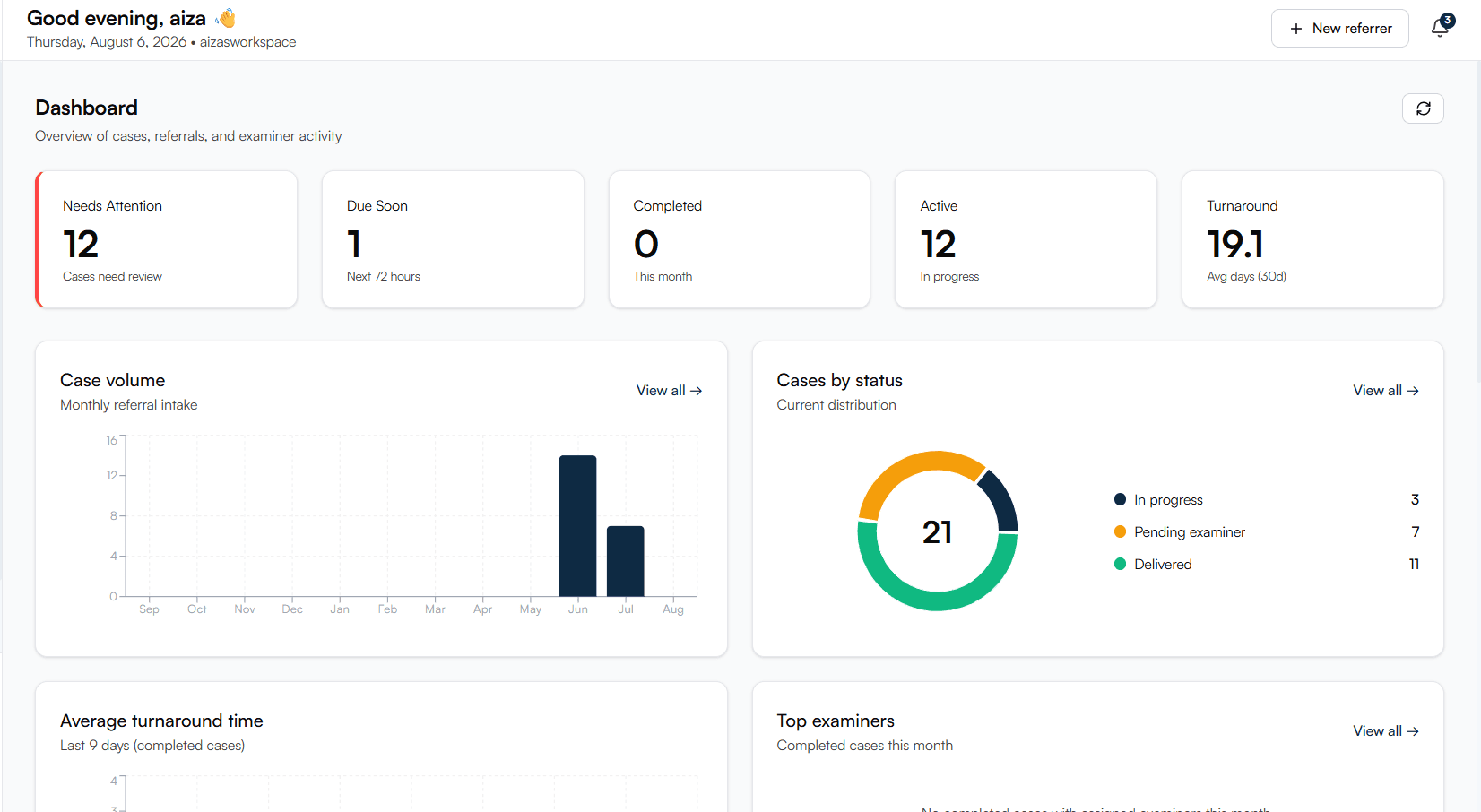
Review referral → assign examiner → send scheduling link → review report → deliver and invoice.